You are at Seven Hills with nowhere particular to be, and you just want to know what is leaving next. KRAIL has a live departure board for the stop, and it fits right in your pocket.
Two ways to open it
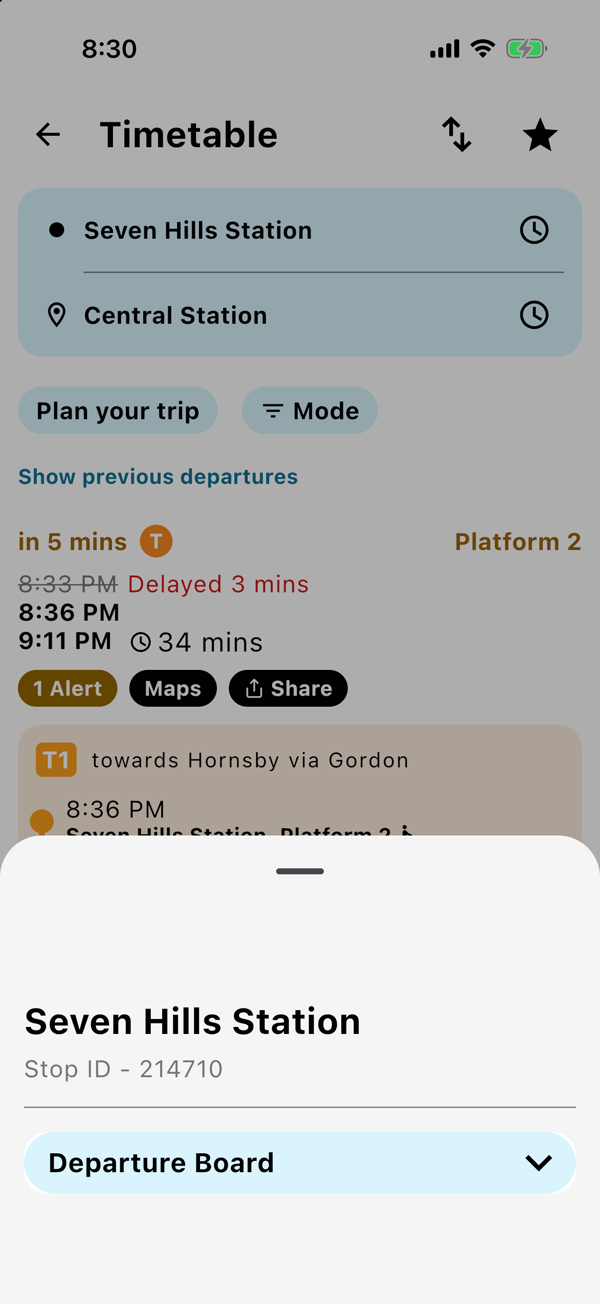
- On your trip, tap the little clock icon next to the stop name, then tap Departure Board.
- Or tap any stop on the map, then tap Departure Board on the card that slides up.
What you see
Every row gives you:
- a countdown to when it leaves
- the line, with its own coloured badge
- the platform or stand
- Delayed or Early if it is running off time
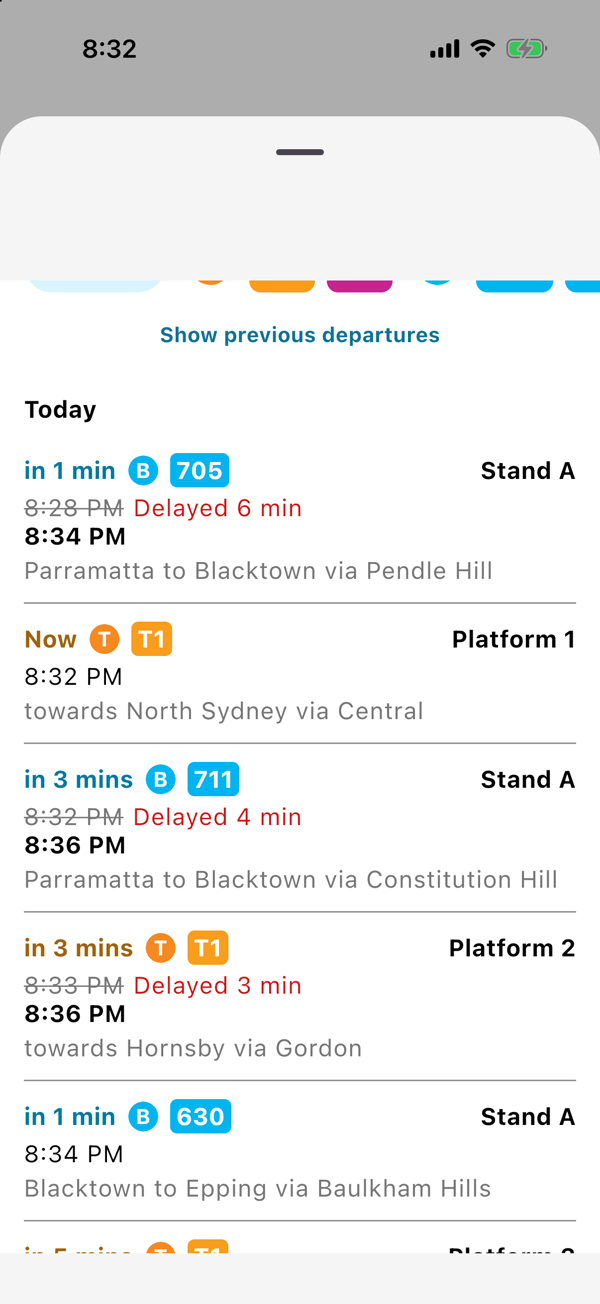
The board updates by itself every 30 seconds, so you can keep it open while you wait.
Only care about one line?
Tap the filter icon, then tap your line's badge. Everything else disappears, and you are left with just the services you might actually catch.
Just missed one? Tap Show previous departures to see what left in the last 30 minutes, which is handy for working out whether it was yours.
Good to know
- It works for train stations, bus stops, ferry wharves and light rail stops.
- The board needs a data connection, because it is live.
Previous
Auburn Cherry Blossom Festival by train and shuttle
Next
Check Sydney Park & Ride spaces before you leave
Save your trip once.
The next departure is one tap away, every morning.